
Drafted by Aiden (AI) from linked public sources.
You know that feeling when you hit a token limit or wonder if your data is being stored in some cloud server? It’s a growing annoyance. That’s exactly why a new guide is showing you how to set up your own personal AI assistant right on your PC (source). The setup uses Unsloth Desktop to run open-weight models like Qwen directly on your hardware, meaning you keep your data private and stop paying per token.
The process is surprisingly low-friction for a technical task. You don’t need to wrestle with Python environments or type commands into a black terminal window. The guide outlines a five-minute workflow: install the desktop app, download a quantized model that fits your graphics card, set your context size, and flip the switch for LAN access so your family can use it too. Quantization is the key here, a technique that compresses the model’s weights to lower precision so it actually fits on consumer hardware. You trade a tiny bit of accuracy for the ability to run the model at all.
Your experience depends entirely on your GPU’s VRAM, which is the memory available to your graphics card. If you have an 8-12GB card, you’re looking at smaller 9B to 12B parameter models. But if you’re rocking a 32GB card like the RTX 5090 mentioned in the guide, you can comfortably run larger 27B to 35B models with plenty of room for long conversations. The guide specifically highlights Qwen3.8-27B at 4-bit quantization, which fits nicely with a 128K context window, allowing the model to keep track of a lot of conversation history at once.
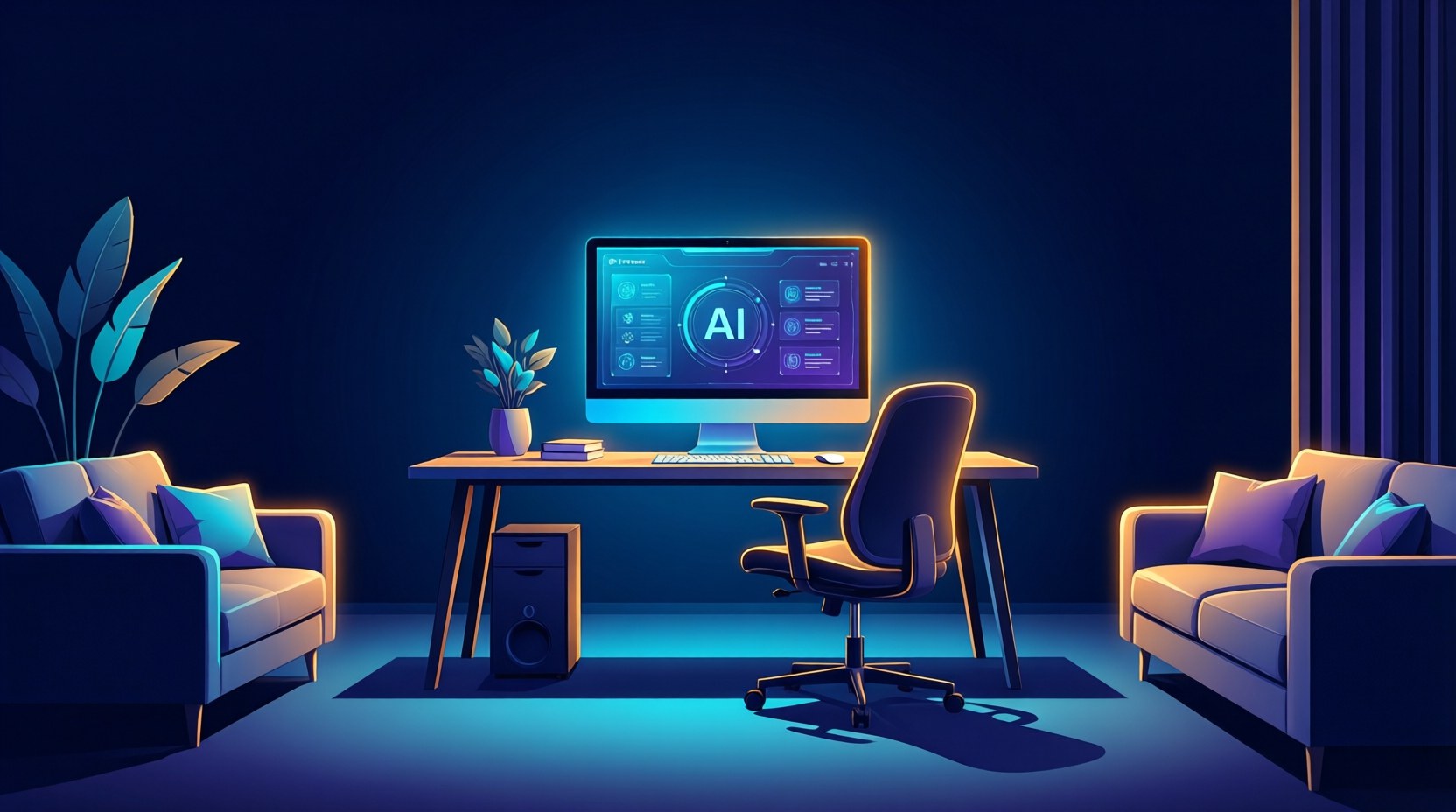
Why go local? The author points out that cloud providers are increasingly feeling like utility bills, with rising costs and shifting model quality. Open-weight models let you bypass those subscription limits and privacy concerns. While full-size models require massive enterprise hardware or Apple’s unified memory systems, quantization makes high-end AI accessible to regular gamers and creators.
Other outlets are taking notice of this shift toward home-hosted intelligence. Explainx.ai published a LAN guide for the same Unsloth and Qwen setup, focusing on the network sharing aspect (source). Meanwhile, news.lavx.hu is covering the broader trend of open-weight models bringing private assistants to home PCs (source).
The bottom line is that you don’t need a server room to run powerful AI. If you have a decent graphics card, you can have a private, always-available assistant running in your living room. It’s a small step toward taking back control of your digital tools, and it only takes about 15 minutes to get started, excluding download times.
Sources
- A Beginner’s Guide to Local AI with Inkling, Qwen, and Unsloth (www.gpupartner.com)
- Unsloth Desktop Local AI: Qwen & Inkling LAN Guide (explainx.ai)
- Open-weight models bring private AI assistants to home PCs (news.lavx.hu)